How to protect yourself from hackers
By driving more consumers to online activities, the pandemic has created new opportunities for cybercriminals. A 2020 Experian Holiday Survey of 1,000 consumers found that 24% had experienced fraud or identity theft while on vacation, double the percentage found in a similar survey in 2019.
Using your personal information, hackers can apply for credit card accounts, government benefits, and loans in your name. Identity theft can damage your credit and cause damage that takes years to repair. Here's what hackers can do with your personal information and how to keep it safe.
What Hackers Do with Stolen Information
Hackers are known to commit a variety of crimes using stolen information. These crimes include:
- Using credit or debit card information for fraudulent purchases
- Apply for credit cards or loans in your name
- Access your bank accounts, pension accounts, and other financial accounts
- Filing fraudulent tax returns to get an income tax refund in your name
- Using your health insurance to access medical care
- Changing your billing address so you don't notice fraud until it's too late
- Filing for government benefits, such as unemployment, in your name
- Rent an apartment or apply for a job in your name
- Committing crimes and giving your name to the police when arrested
- Requesting fraudulent identification such as driver's licenses or passports
- Selling your information to other criminals on the dark web
Hackers can also use your Social Security Number (SSN) to create a synthetic ID, a fake identity that combines your data with theirs.
How to protect yourself from hackers
To protect your personal data from hackers, make these preventative steps part of your routine.
Use strong, unique passwords. Choose a different password for each account. If you use the same password over and over again, a hacker who breaches one account could gain access to all of them. Consider using aPassword management app, which generates complex passwords and remembers them for you.
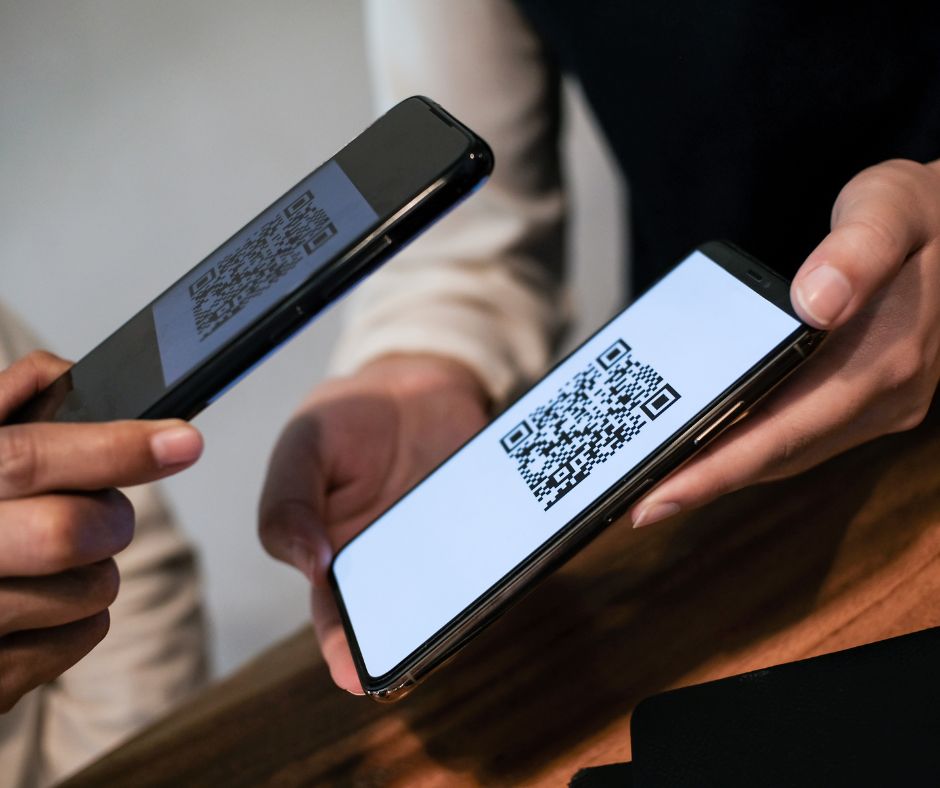
Use two-factor authentication. Protect critical data like your bank accounts, retirement accounts, or healthcare data with two-factor authentication. After entering your password, you'll receive a code to enter each time you log in on your phone or email.
Destroy old documents and data. Shred documents containing personal information before disposing of them. Erase personal data before selling, discarding, or donating computers or mobile devices.
Protect your hardware. Install antivirus software on your computers and mobile devices and keep it updated. Enable automatic operating system updates for your computers and mobile devices.
Monitor your bank statements. Review all invoices, statements, letters, and other communications from banks, credit card companies, insurance companies, government agencies, and healthcare providers. An unrecognized withdrawal, charge, or service charge could be the first sign of identity theft.
Protect your cards. Carry only the payment and identification cards you need. Protect your keypad from prying eyes when entering your PIN at an ATM or POS terminal.
Don't let paper mail sit in your mailbox. Install a mailbox to ensure your mail is delivered safely.
Protect your SSN. Keep your Social Security card at home and commit your number to memory.
Don't enter passwords, share sensitive data, or conduct financial transactions when using public Wi-Fi; it can be easily hacked. Keep your home Wi-Fi password-protected.
Be wary of emails or texts from unknown sources. Never click on a link in a text or email unless you trust the source. Emails used in phishing scams often contain clues such as spelling mistakes, low-resolution graphics, and email addresses that may differ from the alleged sender's actual address.
Don't share information over the phone. Criminals "spoof" phone numbers to make it appear as if a legitimate organization is calling. Be wary of anyone who asks you to share or verify account numbers, Social Security numbers, driver's license numbers, credit card numbers, or other personal information over the phone. If you're unsure whether it's really your bank calling, hang up and call the number on the bank's website instead.
Limit social media sharing. Social media games and surveys that ask for your pet's name, birthplace, or favorite band may seem innocent, but these clues can help criminals crack your passwords.